
Skip to content
VIGWORK.
Who it's for

Built for how you actually train

Five ways people use VigWork, from a first program to logging sessions on their own.

Starting from zero

You have never followed a structured program before and do not know where to start. Answer the intake once, tell the coach your days per week and equipment, and get a full program built for a true beginner, not a template with the sets turned down.

Build your first program
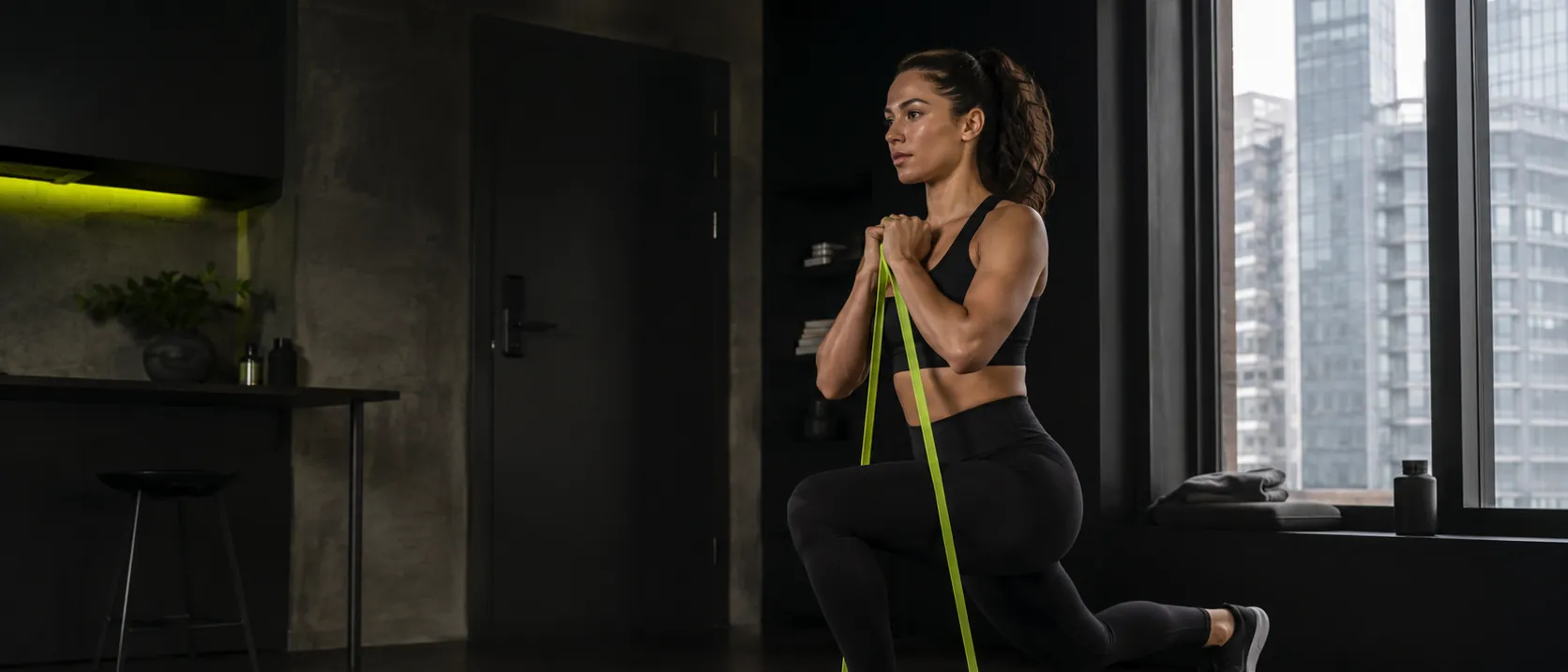
Training around a limitation

A shoulder, knee, or back issue rules out certain movements. Tell the coach what to avoid and it excludes the exercises that load that area before the program is built, not after. This is exclusion, not treatment: for pain, see a professional first.

See how injury exclusion works

Done paying every month for an app

You have paid for a fitness app subscription before and stopped using it long before you cancelled it. VigWork is a one-time purchase: pay once for a program, keep it forever, and pay again only if you want a new one.

Compare one-time vs subscription

Already know your own programming

You do not need an AI coach to tell you what to lift. You want a clean, animated exercise reference and a place to log sets, reps, and weight without a paywall in the way. That is the entire free tier, and it does not expire.

Browse the free library

Getting back into training

Time off changes what your body can handle right now, not what it could handle a year ago. Build a fresh program from where you actually are today, and log every session so the next one adjusts to real progress instead of a guess.

Start your comeback program

See which one fits

Every path above starts the same way: a short conversation, then a real program built from a verified exercise catalog.

Start the intake